Looking for MusicFX? Try MusicHero.ai's Text to Music Tool
MusicHero.ai is an independent AI music generator with no partnership with Google. Describe a song or add your own lyrics to hear two tracks in your browser.

music.toolTips
relatedTools.title
MusicGen Alternative: Text to Music Online | MusicHero.ai
Donna AI Music Alternative: Make Songs Online | MusicHero.ai
AI Song Generator | MusicHero.ai
Music Maker Online – Create Songs with MusicHero.ai
AI Rap Generator: Make a Rap Song | MusicHero.ai
Lofi Chill Music Generator | MusicHero.ai
Chill Music Generator - Relaxing Tracks | MusicHero.ai
AI Music Generator | MusicHero.ai
Key Features of MusicHero.ai's Text to Music Tool
What MusicFX Was and What You Can Do Here
Google MusicFX was Google's experimental AI music tool in Google Labs, and its link now leads to Google Flow Music. This page offers MusicHero.ai's own independent text to music tool.
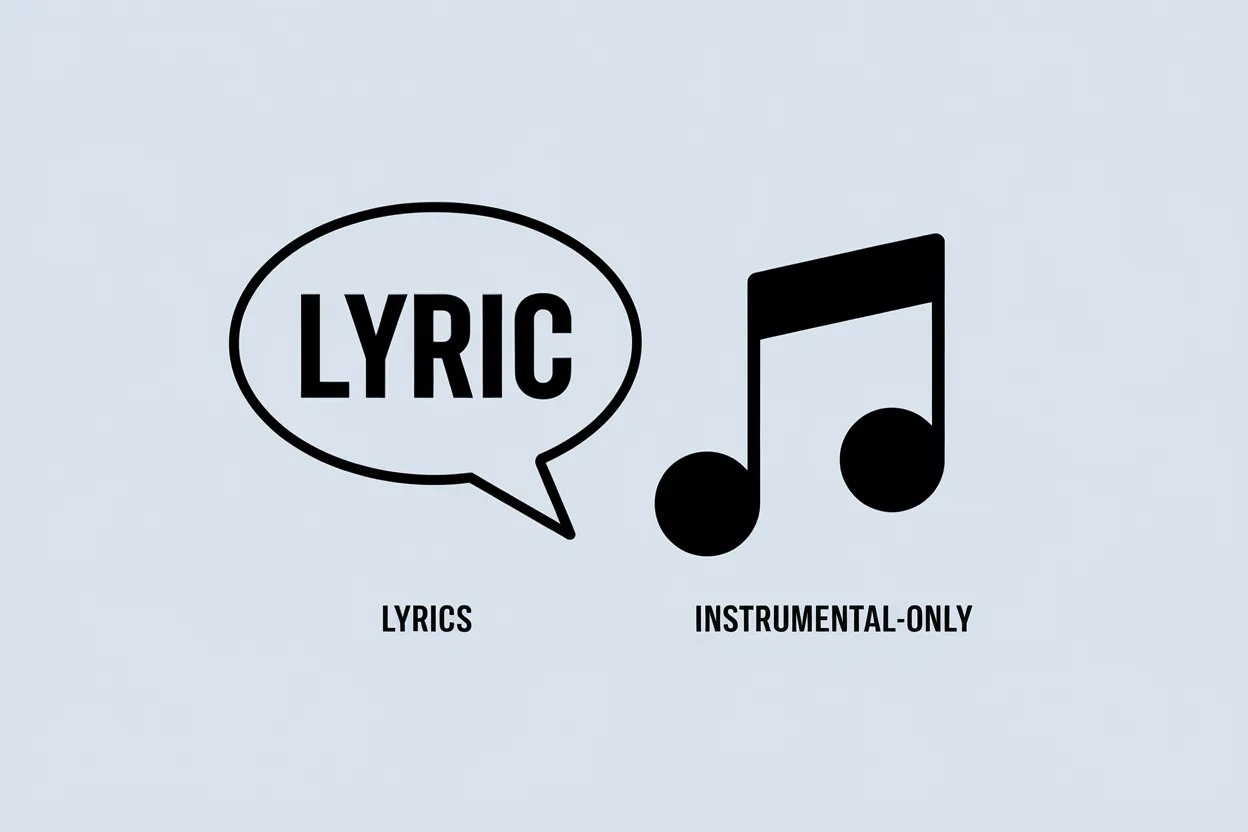
Describe a Song in Plain Words
Enter a Song Description of up to 199 characters covering the genre, mood, and instruments you want to hear, without needing music theory or complex controls.

Add Your Own Lyrics in Custom Mode
Switch on Custom Mode when you want to write or paste your own lyrics, give the track a title, and describe the musical style in words.

Instrumental Switch for Music Without Vocals
Turn on the Instrumental switch to generate music without vocals.

Two Songs Per Generation to Compare on the Page
Every generation returns 2 songs that you can listen to and compare in the player on this page. Note that tracks made on this page are not added to your library.

Usage Rules on the License Page
Before using any generated music outside personal listening, review the MusicHero.ai License page for the rules that govern personal and commercial use.
How to Use This Text to Music Tool
Describe the Music or Switch on Custom Mode
Type a Song Description up to 199 characters, or switch on Custom Mode to enter your own lyrics, a title, and a style. Turn on Instrumental if you want no vocals.
Generate Your Two Tracks
Start the generation and wait while your prompt is processed. The on-page note says the tool estimates about 20 to 40 seconds.
Listen on the Page and Try New Words
Play both generated songs in the audio player on this page, then adjust your description or lyrics if you want to try another direction.
Who Can Benefit from This Text to Music Tool?
People Who Used to Try Ideas in MusicFX
If you used to type short text prompts into Google's experimental MusicFX tool to test musical ideas, you can use this page to turn written descriptions into two playable tracks.
Video Makers Who Need Background Music
Describe the mood and instruments for an intro or backing track, switch on Instrumental, and preview two options on the page.
Songwriters Who Want to Hear Lyrics Sung
Switch on Custom Mode to enter your own lyrics, a song title, and a style description so you can hear two musical arrangements of your words.
Students and Teachers Exploring Genres
Type different genre and instrument descriptions in your own words and play the two resulting songs to discuss how musical styles sound.
Ways to Use This Text to Music Tool
Switch on Instrumental and type a short Song Description such as warm acoustic guitar and soft percussion for a vlog intro. Listen to both generated tracks on the page to hear which mood fits your edit.
Background Music for Video
ExampleOpen Custom Mode, paste a verse and chorus you wrote, add a title, and type indie pop in the style field. Each run gives you two versions to compare in the page player.
Original Lyrics in Custom Mode
ExampleType a description like upbeat electronic synth and steady drums for an event teaser, with Instrumental turned on. You can adjust the wording and generate again to test a calmer or livelier feel.
Atmosphere for an Event Clip
ExampleEnter the same lyric idea twice with different style words, such as jazz piano versus folk guitar, and play the results in class to hear how genre descriptions change the arrangement.
Classroom Genre Comparison
Example
Frequently Asked Questions
Is this Google MusicFX?
No. MusicHero.ai is an independent AI music generator with no partnership with Google. MusicFX was Google's experimental AI music tool in Google Labs, and its original web link now leads to Google Flow Music.
What happened to MusicFX?
Google MusicFX was an experimental AI music tool in Google Labs. The former MusicFX address on labs.google now redirects to Google Flow Music.
Is there a free AI that creates music?
In the full MusicHero.ai generator, signed-in free accounts receive free credits every day, and paid plans include more credits. Free access is based on daily credits rather than being open-ended.
Is AI-generated music legal to use?
Usage rights depend on the service and plan you use. For songs made on MusicHero.ai, you can read the rules for personal and commercial use on the MusicHero.ai License page. This page does not provide legal advice.
Can I try text to music on this page?
Yes. You can type a Song Description of up to 199 characters or switch on Custom Mode to enter lyrics, a title, and a style, then listen to the generated songs right on this page.
Can I choose the music style?
Yes. Describe the genre, mood and instruments you want in your own words, in the Song Description or in the Custom Mode style box.
How many songs do I get each time?
Each generation on this page produces 2 songs that you can play and compare in the on-page audio player.
Can I make music without lyrics?
Yes. Turn on the Instrumental switch before you generate, and the tool will create music without vocals.
Do I need music knowledge?
No. You only need plain words to describe the mood, genre, or instruments you want to hear, or your own lyrics if you use Custom Mode.
Are songs from this page saved?
No. Songs created with the embedded tool on this page play in the on-page player and are not added to your MusicHero.ai library. If you are on a paid plan, you can save a song with the download icon on the bottom player.